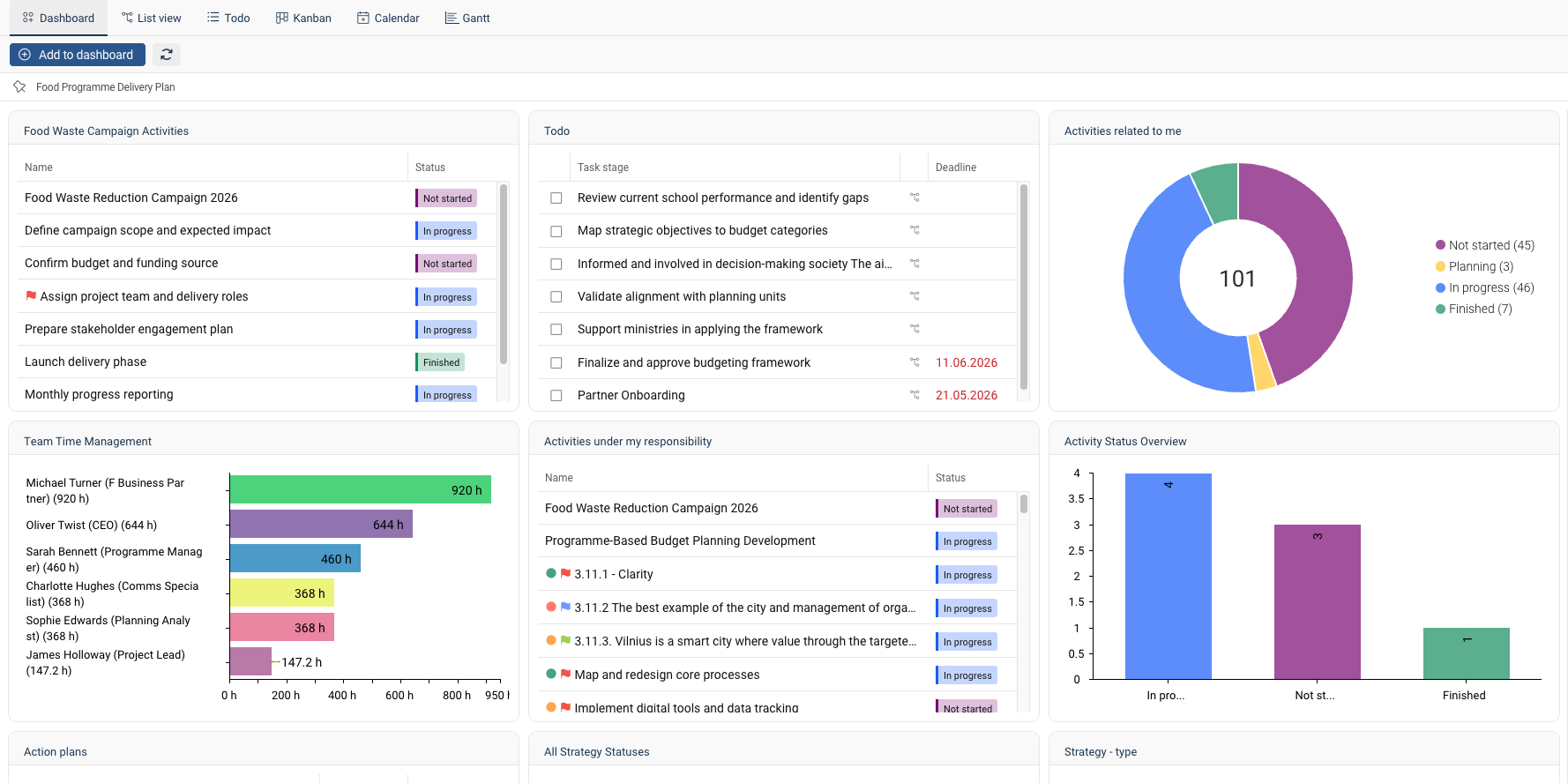
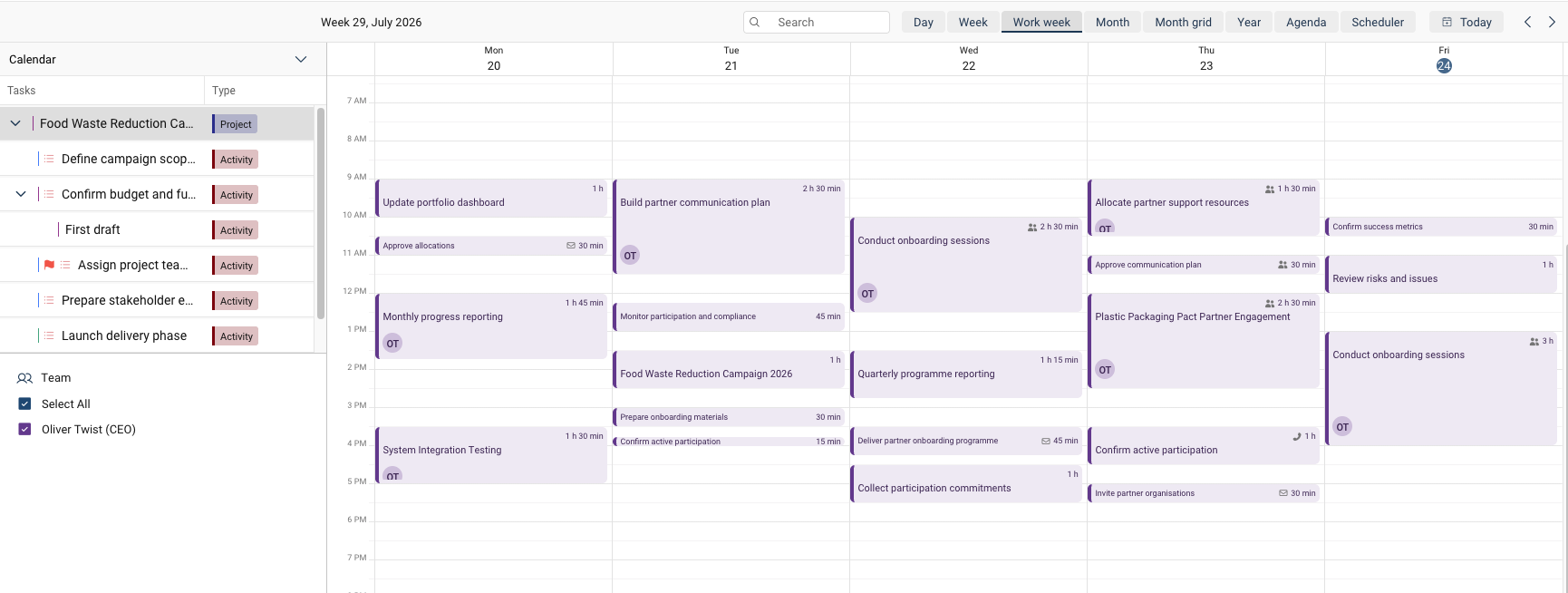
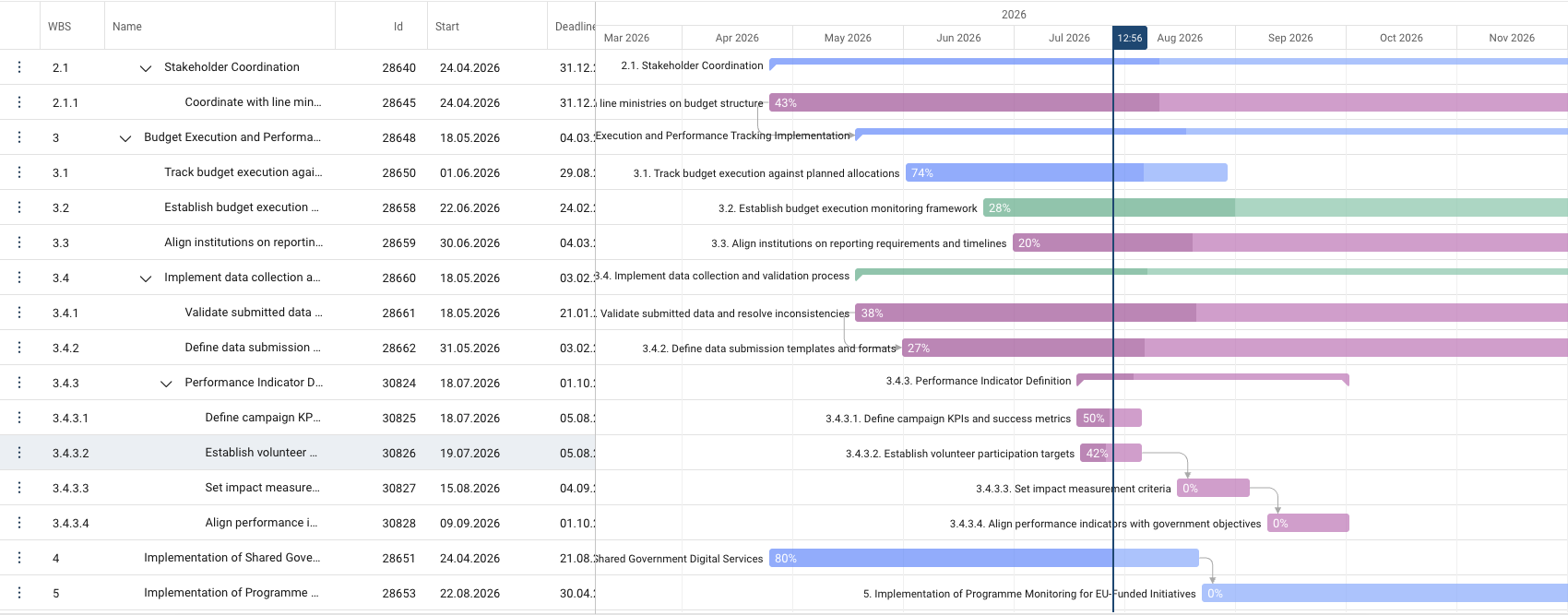
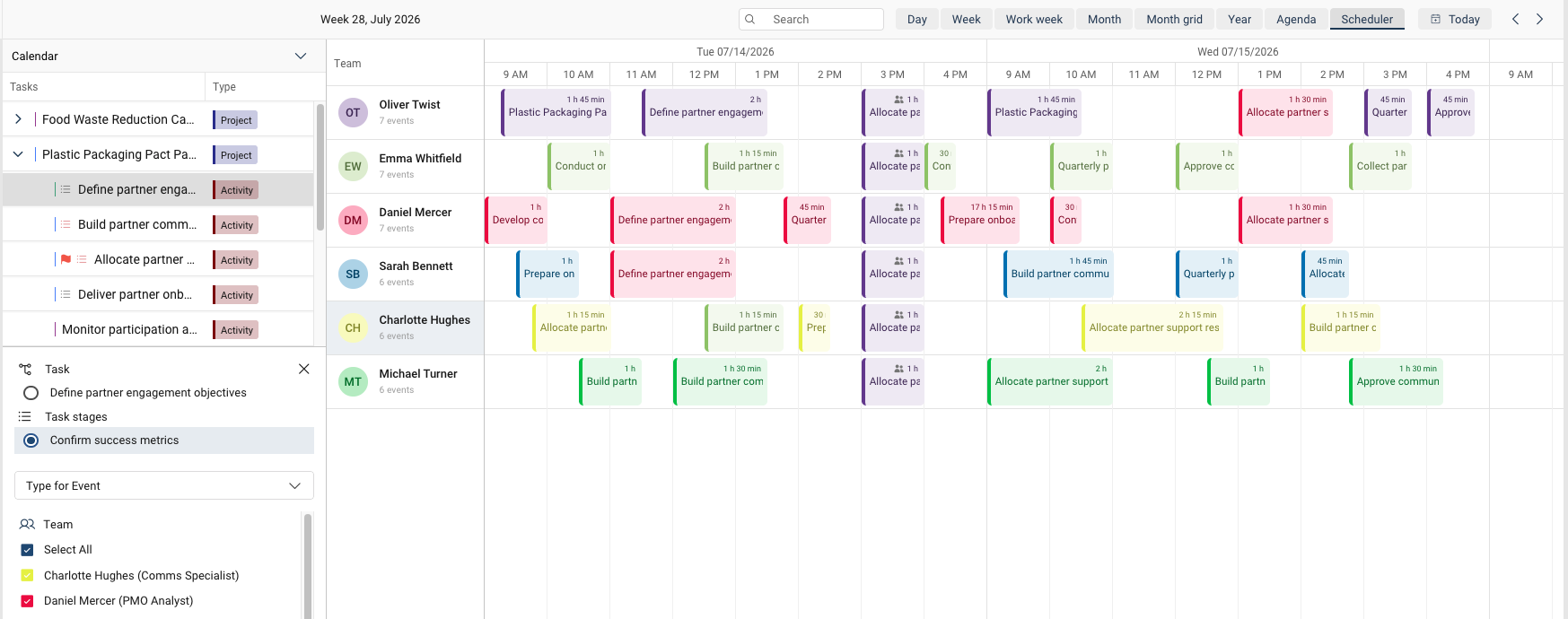
Every manager has an assumption about how their team’s time is split — and it’s almost always wrong. PlanPro tracks planned vs. actual working time by employee, project, department, and process — so resourcing decisions are based on evidence, not estimates.
PlanPro makes planned vs. actual time visible across the entire organization. Employees log time against the tasks and projects they’re already working on in the system. Managers see where their team hours go — by project, by process, by strategic priority. Leadership gets the evidence they need to make resourcing decisions that are grounded in reality, not intuition.
Time tracking starts with having the right structure. PlanPro lets you plan time at the task level and compare it against actual hours logged with the flexibility your organization needs.
Raw time logs are data. Useful time tracking gives you professional views that turn that data into organizational decisions.
The real value of time tracking isn't knowing how many hours were logged. It's using that data to decide where people's time should go next.
PlanPro makes planned vs. actual time visible across the entire organization. Employees log time against the tasks and projects they’re already working on in the system. Managers see where their team hours go — by project, by process, by strategic priority. Leadership gets the evidence they need to make resourcing decisions that are grounded in reality, not intuition.
A department head shouldn't just see "Team A logged 600 hours this month." They should see "Team A spent 400 hours on strategic projects, 150 on routine operations, and 50 on unplanned incident response — which is 25% more operational time than planned."
PlanPro's time tracking is built into the same system where projects are managed, strategies are tracked, budgets are planned, and performance is reviewed. The time data inherits all that context automatically, transforming an administrative exercise into a management tool.
Public sector teams can plan and track working time by employee, process, project, activity, and task, giving managers a clearer basis for workload and resource decisions.
Municipal organisations can compare planned versus actual time usage across departments and services, helping leadership see where capacity is sufficient and where bottlenecks are emerging.
Healthcare providers can monitor working time across employees, activities, and operational tasks, supporting better staffing visibility and more data-based planning of daily work.
Educational institutions can plan and measure time spent on projects, administrative processes, and staff tasks, improving transparency around workload and organisational priorities.
Enterprise teams can measure time in minutes, hours, days, FTE, or FTE%, making it easier to align workload planning with projects, processes, and cross-functional resource needs.
Service firms can use calendar and schedule views to plan work more realistically, then compare planned and actual effort to improve resourcing, delivery, and internal coordination.
Book a personalized demo. We’ll show you how PlanPro tracks planned vs. actual time — connected to your projects, strategies, and budget planning.
PlanPro tracks planned vs. actual working time at the task, project, department, and process level. Employees log time against the tasks they're already working on in the system — no separate time-tracking tool required. Managers see aggregated views by team, department, project, or business processes. Time can be tracked in minutes, hours, days, FTEs, or FTE percentages.
Both. PlanPro tracks time at the individual employee level and aggregates it upward to projects, departments, and processes. An employee logs time against a specific task. That time rolls up to the project the task belongs to, the department the employee sits in, and the business process the task is part of. One entry, multiple views.
When creating a task or project, you set the planned time — how many hours or FTEs you expect the work to require. As employees log in actual time, PlanPro compares the two automatically. You see the variance at every level: task, project, department, organization. This is the data that tells you whether estimates were realistic and whether resources were allocated correctly.
Yes. PlanPro supports process-level time tracking, meaning you can see how much organizational time goes to recurring functions like procurement, reporting, quality management, HR administration, or strategic planning. This is particularly valuable for public sector organizations and enterprises that need to understand capacity allocation across functions, not just across projects.
Toggl and Harvest are standalone time-tracking tools — they tell you how many hours were logged but can't connect those hours to strategic goals, project budgets, risk management, or employee performance reviews. PlanPro's time tracking is embedded in a complete management platform. When an employee logs in time, that data automatically connects to the project's budget, the strategic goal it supports, and the employee's performance record.
Yes. PlanPro connects time tracking to the budgeting module. Actual time spent on projects and processes feeds directly into budget review and planning — so next year's resource projections are based on actual consumption data, not estimates. When a task consumed 40% more hours than budgeted, that information is in the system where budget planning happens.
Yes. PlanPro is used in public sector organizations to support transparent and structured time tracking. The platform handles the specific time-tracking needs that government institutions face — tracking staff hours across EU-funded programs, understanding how department capacity splits between policy work and administrative functions, and producing the time-based reporting that projects monitoring and audits require.
Related posts
Please fill in the contact form and we will contact you.
Tarkvara võimalusi tutvustab Sulle
Reelika Ristolainen, kliendihaldur-tootekonsultant